Wear what you see.
See it. Find it. Own it. Drop any photo and Finds instantly locates where to buy those exact pieces — or the closest alternatives on the market.
See it. Find it. Own it. Drop any photo and Finds instantly locates where to buy those exact pieces, or the closest alternatives on the market.

Featuring brands all around the world



Works wherever you discover fashion
See it anywhere,
find it instantly
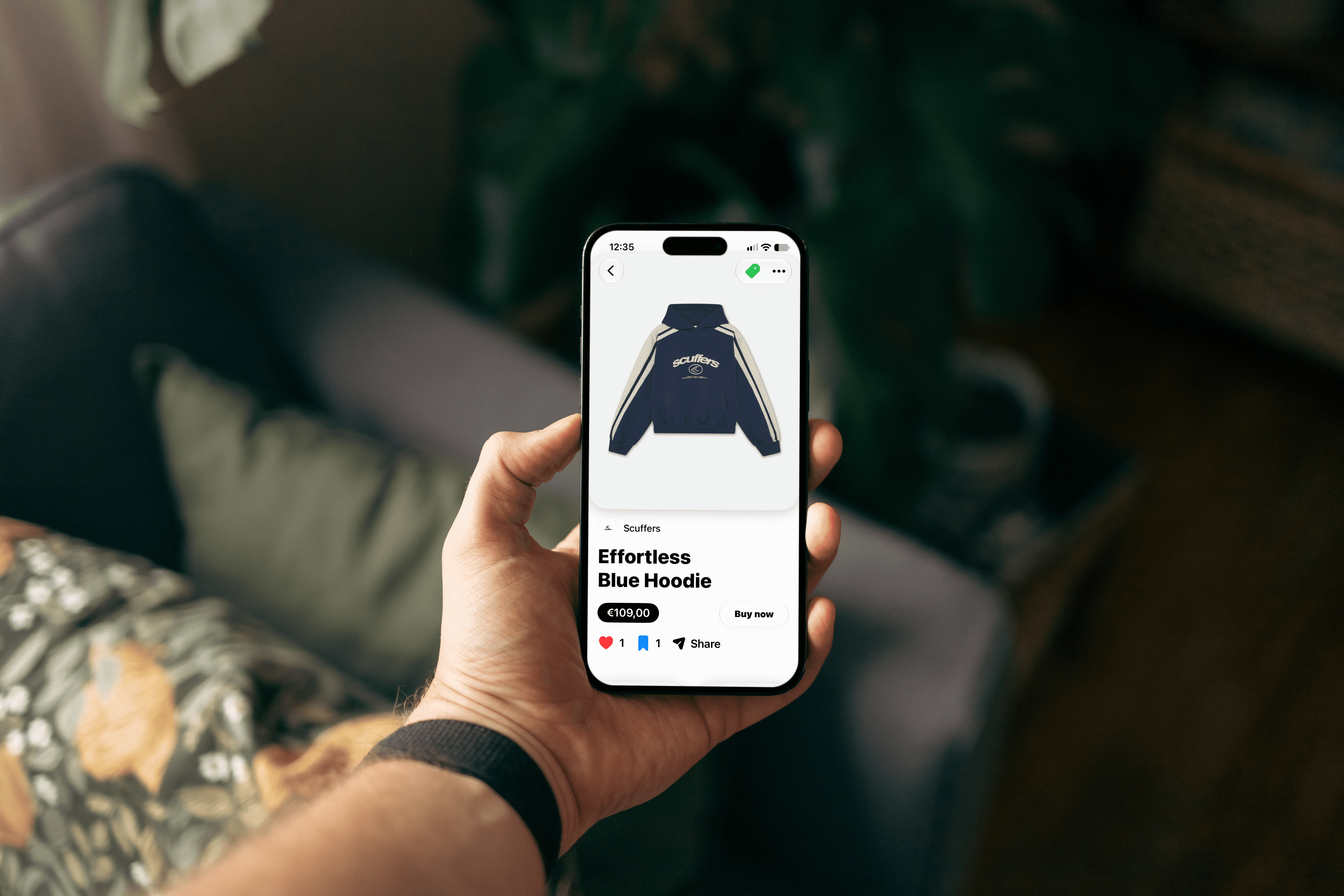
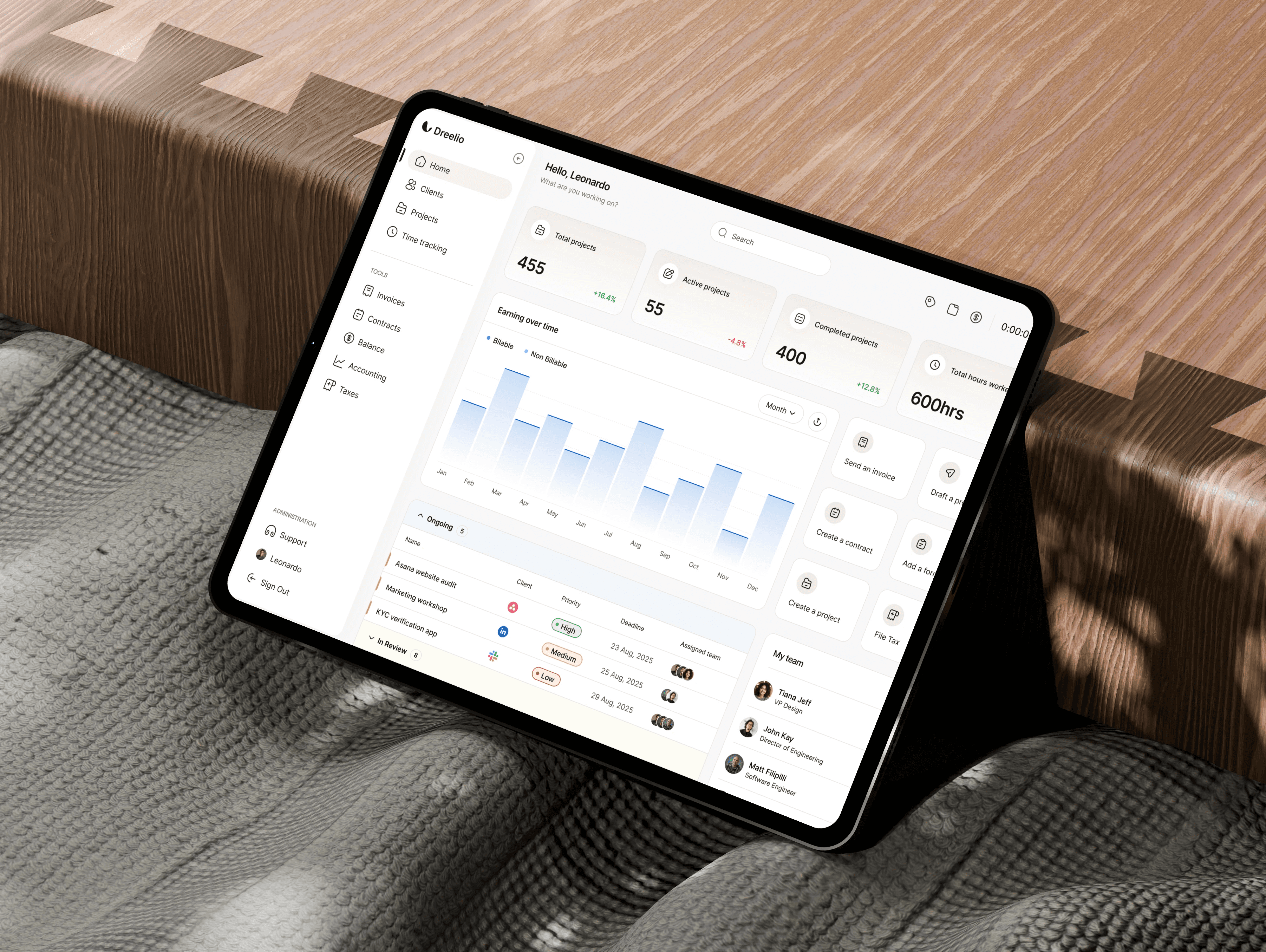
Works wherever you discover fashion
See it anywhere,
find it instantly


step one
See it anywhere
Spotted an outfit on Instagram, a street style photo, or a screenshot from a show? Save it. Finds works with any image from any source — no special app or link needed.
TikTok
Camera
step one
See it anywhere
Spotted an outfit on Instagram, a street style photo, or a screenshot from a show? Save it. Finds works with any image from any source — no special app or link needed.
TikTok
Camera
step two
Crop the item
Pinpoint the exact piece you want — a jacket, a shoe, a bag. Finds isolates it from the frame and begins matching it visually against real products.
Jeans
Top
Shoes
Accessory

step two
Crop the item
Pinpoint the exact piece you want — a jacket, a shoe, a bag. Finds isolates it from the frame and begins matching it visually against real products.
Jeans
Top
Shoes
Accessory

step three
Own it
Finds returns visually similar products from real stores. Tap any result to go directly to the brand's product page where you can buy it. No middlemen. No redirects. Just the item, and where to get it.
step three
Own it
Finds returns visually similar products from real stores. Tap any result to go directly to the brand's product page where you can buy it. No middlemen. No redirects. Just the item, and where to get it.
features
Built for fashion lovers,
powered by visual AI
Smart, fast, and built around how you actually discover style

Your personal style library — save your finds, organize by boards, and build a wardrobe wishlist that actually gets you somewhere. Every piece you love, in one place.
Visual matching, not keyword guessing


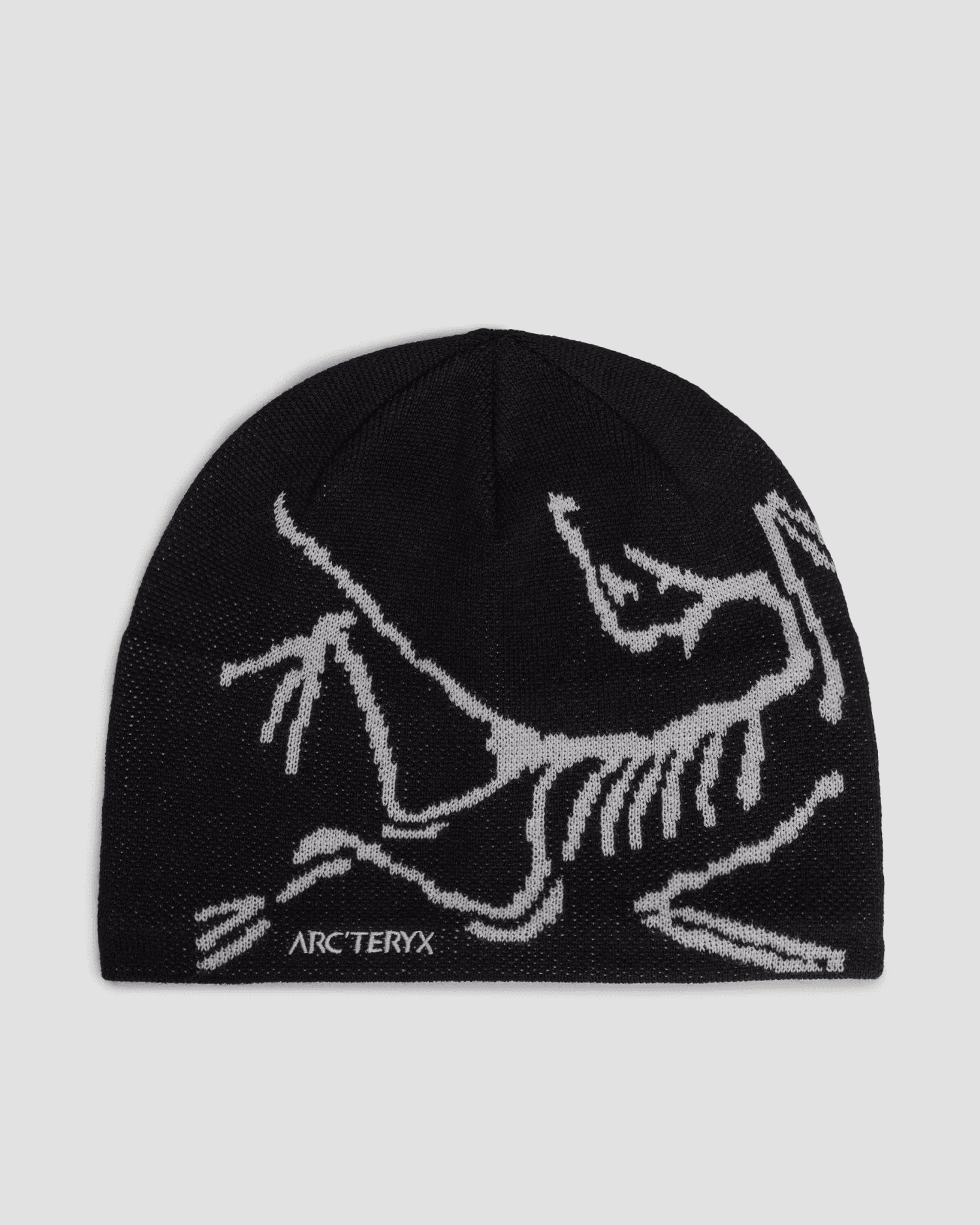
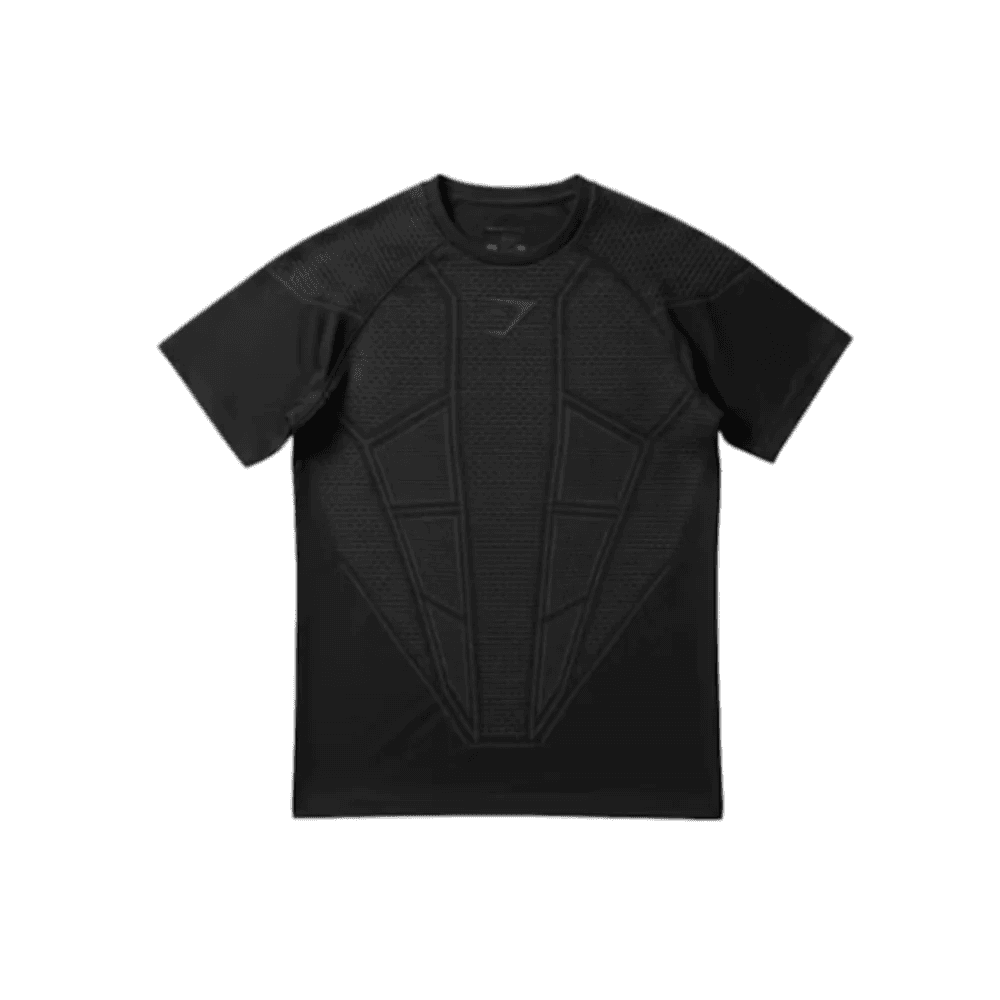

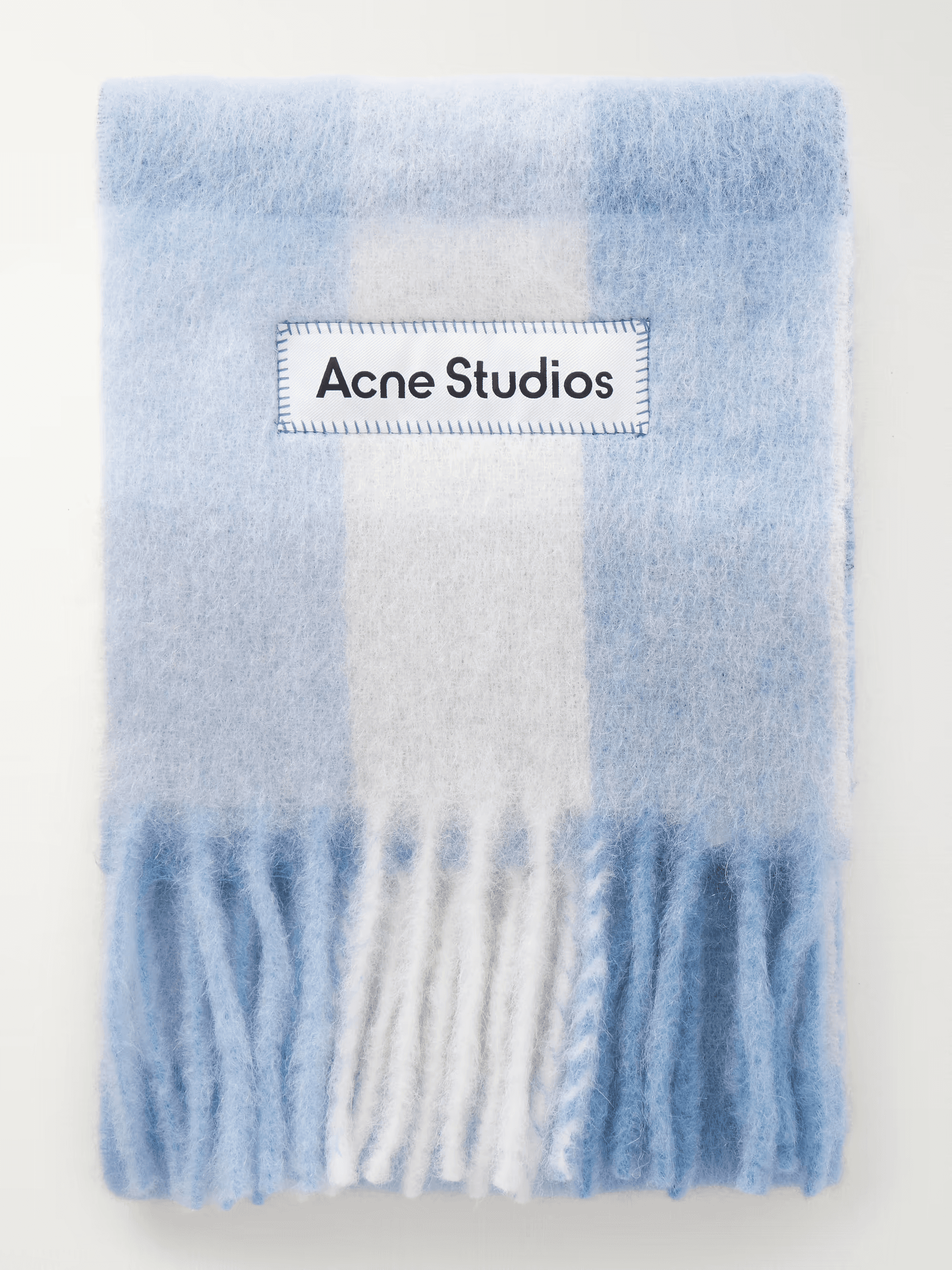

Find by appearance. Finds reads color, shape, texture, and silhouette — not just words. It surfaces what genuinely looks like the item.
We don't sell the clothes. We find them.
Finds connects you with the brand or retailer where you can actually buy the product.
One find can lead to a whole new wardrobe.
Finding one piece doesn't have to end with one product. Finds helps you discover similar pieces, brands and other products around what cought your eye.
You don't need to know exactly what to search.
Tell Finds what you want in your own word, from a simple "black cropped jacket" to something more specific.
features
Built for fashion lovers,
powered by visual AI
Smart, fast, and built around how you actually discover style
Your personal style library — save your finds, organize by boards, and build a wardrobe wishlist that actually gets you somewhere. Every piece you love, in one place.
Visual matching, not keyword guessing
Find by appearance. Finds reads color, shape, texture, and silhouette — not just words. It surfaces what genuinely looks like the item.
We don't sell the clothes. We find them.
Finds connects you with the brand or retailer where you can actually buy the product.
One find can lead to a whole new wardrobe.
Finding one piece doesn't have to end with one product. Finds helps you discover similar pieces, brands and other products around what cought your eye.
You don't need to know exactly what to search.
Tell Finds what you want in your own word, from a simple "black cropped jacket" to something more specific.
“I saw a jacket on Pinterest and had been trying to find it for weeks. Finds found it in seconds. I genuinely didn't expect it to work that well.”

Sofia M.
"Way better than endlessly scrolling through shops and web to find the clothes. Finds saved me tons of hours."
Alex R.
“This is exactly what I've wanted for years. Instead of asking in the comments where something is from, I can just find it myself.”
Mia K.
“I love finding smaller brands through Finds. You start looking for one piece and somehow end up with five new brands you didn't know that exist.”
Samuel P.
“The visual matching is what got me. It doesn't just look for the same color. It actually picks up the shape, texture and details of the piece.”
Daniel P.
“I saw a jacket on Pinterest and had been trying to find it for weeks. Finds found it in seconds. I genuinely didn't expect it to work that well.”
Alex R.
“I love finding smaller brands through Finds. You start looking for one piece and somehow end up with five new brands you didn't know that exist.”
Samuel P.
“This is exactly what I've wanted for years. Instead of asking in the comments where something is from, I can just find it myself.”
Mia K.
“The visual matching is what got me. It doesn't just look for the same color. It actually picks up the shape, texture and details of the piece.”
Daniel P.
“I saw a jacket on Pinterest and had been trying to find it for weeks. Finds found it in seconds. I genuinely didn't expect it to work that well.”
Sofia M.
"Way better than endlessly scrolling through shops and web to find the clothes. Finds saved me tons of hours."
Alex R.
“This is exactly what I've wanted for years. Instead of asking in the comments where something is from, I can just find it myself.”
Mia K.
“I love finding smaller brands through Finds. You start looking for one piece and somehow end up with five new brands you didn't know that exist.”
Samuel P.
“The visual matching is what got me. It doesn't just look for the same color. It actually picks up the shape, texture and details of the piece.”
Daniel P.
“I saw a jacket on Pinterest and had been trying to find it for weeks. Finds found it in seconds. I genuinely didn't expect it to work that well.”
Alex R.
“I love finding smaller brands through Finds. You start looking for one piece and somehow end up with five new brands you didn't know that exist.”
Samuel P.
“This is exactly what I've wanted for years. Instead of asking in the comments where something is from, I can just find it myself.”
Mia K.
“The visual matching is what got me. It doesn't just look for the same color. It actually picks up the shape, texture and details of the piece.”
Daniel P.
pricing
Simple plans
for discovering fashion
ZERO COST
Free
Explore the basics, no commitment
5 finds per week
Up to 8 saves to library
No credit card required
Less products in feeds
Limited access to all features
Annually
Annually
Monthly
Monthly
BEST VALUE
Save 58%
$4/mo
$87/mo
Full access, best deal
Unlimited finds
Unlimited saves to library
Unlimited boards
Access to all features
Save 58% vs monthly (only for the first few users)
ZERO COST
Free
Explore the basics, no commitment
5 finds per week
Up to 8 saves to library
No credit card required
Less products in feeds
Limited access to all features
Annually
Annually
Monthly
Monthly
BEST VALUE
Save 58%
$4/mo
$87/mo
Full access, best deal
Unlimited finds
Unlimited saves to library
Unlimited boards
Access to all features
Save 58% vs monthly (only for the first few users)
pricing
Simple plans
for discovering fashion
ZERO COST
Free
Explore the basics, no commitment
5 finds per week
Up to 8 saves to library
No credit card required
Less products in feeds
Limited access to all features
Annually
Annually
Monthly
Monthly
BEST VALUE
Save 58%
$4/mo
$87/mo
Full access, best deal
Unlimited finds
Unlimited saves to library
Unlimited boards
Access to all features
Save 58% vs monthly (only for the first few users)
Early Access
Stop asking. Start finding.


TikTok
Tips, tutorials, and feature guides to inspire and enhance your Finds experience.
Early Access
Stop asking. Start finding.
TikTok
Tips, tutorials, and feature guides to inspire and enhance your Finds experience.

